Showing posts with label 4 Cs. Show all posts

Sunday, June 3, 2018

Waiting for them to Be Ready

Our current unit in Where We are in Time and Place has us looking at innovations and discovery.

This unit I held back the poster with the central idea, instead, wanting to see if my teaching was leading them to their own conclusions. This is not revolutionary, but I haven't done it much this year.

I have been waiting for them to be ready.

The first week of the unit saw us making and testing paper airplanes, looking at the history of different things (cars, airplanes, bicycles, toys - we started with airplanes), trying to make sense of data we collected, and making tops.


Note: I happened to use the airplane video because there were many questions about how airplanes worked. I fell into the trap of misleading students and then having it snowball by students becoming interested and asking questions, eventually ending up off track. This reminds me to be more careful with provocations -- or at least to do a more thorough reflection afterward. Still, part of me thinks it is OK to be off track as long as the students are thinking and wondering.

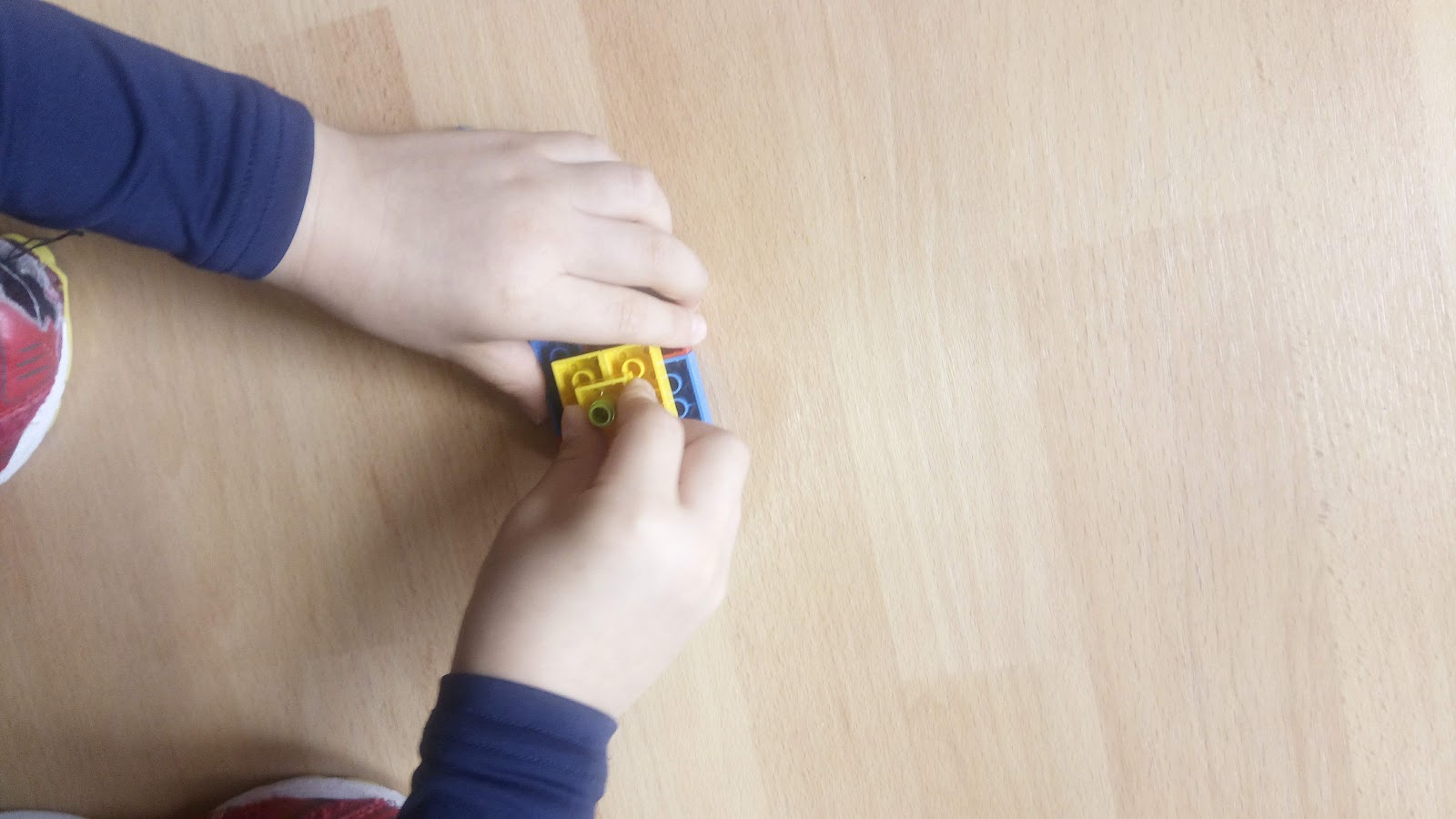
I thought making LEGO tops was the best activity of the week. It was an activity that was accessible to all students. 

After about 10 minutes, I had them stop to reflect on the steps they were taking, they came up with the following ...


plan 
find parts 
build 
play 
test 


The list had to be boiled down to this list, but they mostly used the words in their explanations. One thing I should try next time is to record (video or audio) these discussions we have.


We met to do a short reflection at the end of the activity where I wrote what they said on the board. I think my prompt was, "what did you learn?"

I am glad that one student picked up on my use of the word improve.



Wednesday, April 11, 2018

QR Codes in the School

Scan to go to wikipedia.com

Aurasma and School Play Programs
When  I went to a PD event at Yokohama International School a few years ago, when walking through the building they had student work displayed, along with the Aurasma codes. It was awesome, but I couldn't see them because I had an iPod (with no internet connection). There was nothing I could do.

But the art without the explanations was nice nevertheless.

At another school, the administrator was telling the audience to access the concert program using a QR Code. I thought it was an awesome idea that saved paper, but again, how could I get a QR Code reader without having WiFi access?


The Seesaw Connection
We use Seesaw as our portfolios and parental communication. A few weeks ago I learned that student work can be printed with a QR code. This is a powerful way for students to share their work with students in other classes within the school.

We are currently in the WASC accreditation process and some of the criteria ask for ways we are teaching. In order to get that evidence, we are going to go into each other's classrooms to look for those criteria.

While I think we should be going into each others' classrooms, we could have more dynamic evidence right in the hallways.


Some ideas
  1. Not everyone has a QR Code Reader App installed on their phones, so why not open up the WiFi to the public? I understand why schools don't do this, I think they should, then how about changing the Guest password each week/month? The point is to give guests access to WiFi to download apps to access the learning.
  2. If you are going to go this route, it might be good to send a note to the community beforehand recommending a specific app for both Android devices and iPhones. While there are many, not all work the same, and some have annoying ads. Spend some time researching a few options, then give the community ample warning.
  3. Let's get the community into schools more often. 

Monday, November 6, 2017

Should We Block Google Translate? No Way

This post was started all the way back in 2013. I saw it in my drafts column, and having had a conversation with my wife about this very subject, decided it was time to come back and finish my thoughts.


I came across a share on Google+ by +Jay Atwood that was linked to a blog post called Should We Block Google Translate? by Jen Roberts.

The other day I was having this same conversation with my wife.

I argued they should be able to use it.
But, the results are not very good.
Yes, so tell them that. Then tell them they have to work with a partner to make the translation better afterward.

I really don't have another reason other than that. Google Translate is a tool people actually use, so why not let students use it to see its limitations. As Jen says in her post, even with a calculator you need to know the math before you can use it to solve a complex problem.

With Google Translate, I see it more as an opportunity to solve the problem collaboratively.


Below in gray were my notes at the time.
When I saw this I clicked it to find that


Disagree
Using Google translate is a form of plagiarism. It's cheating and students who cheat on homework won't know the material for the test in class, nor will they have the language skills they need for life in a global society.

Are dictionaries allowed? Professional translators use them all the time. What if I translate one word from a dictionary? Is that a form of plagiarism? Do I need to cite my source?

?
nor will they have the language skills they need for life in a global society


Agree
Long ago, my district used to block Wikipedia. Students used it at home, but at school we had no access to show them why it was not a good source. If you block translate language teachers will be in the same position. Students will use it at home, but at school teachers won't be able to demonstrate why it fails.

Further, correcting translations is probably a very authentic task for a modern linguist. (People get paid to do this.)


http://whatdoyouteach.blogspot.jp/2013/05/should-we-block-google-translate.html

http://edudemic.com/2013/05/how-online-translation-tools-are-now-being-used/


 This reminds me of the calculator debate in elementary mathematics.

Friday, November 3, 2017

Tuesday, July 4, 2017

Publish to a Wider Audience


Recently a teacher asked me to look into different options for publishing ebooks.

Publishing digitally to an audience covers the 4 C's of 21st Century learning, Critical Thinking, Collaboration, Creativity, and Communication. This project also covers a fifth C, choice. 

Critical Thinking
Collaboration
Creativity
Communication
Choice


My mind immediately came to the conclusion of an actual ebook, one with pages that turn. For that, I had the following ideas:

"Book" Options

PDF -

Saving as a PDF is the Swiss Army Knife of publishing since they can be opened on any device. Students could write their story in Google Docs and download their doc as a PDF.

Issuu -

Issuu allows you to make an animated version of your PDF where you can turn the pages. Students would do the above and upload the PDF to Issuu. Then embed the Issuu PDF in their blog.

iAuthor

Apple has a good tool with iAuthor. It is a little challenging and awkward for me, but I cannot argue with the beautiful results. I am thinking it would be interesting to make some sort of unit book using iAuthor.


Book Creator -

This summer (2017) Book Creator will come out with a web version of their app. Until then you need an iPad or Windows computer to use this great tool. Books created with Book Creator can be exported as a movie, so embedded movies and recordings will automatically play.


Google Slides - 

Google Slides is an extremely useful tool outside of presentations. In class, I use Google Slides for my own resume and have used Google Slides for students to publish infographics and ebooks.


Make yourself a copy of this resume

Other Options

Lucid Press

Lucid Press is the "Google version of MS Publisher". While not a product made by Google, it was created for the GSuite environment. I don't use it much, but it is very flexible.

GSuite Apps as Webpage

Google Docs, et. all has the ability to embed links. So, in theory, you can create a site with any Google product as long as visitors are available to view the content. In this case, I like to use Bit.ly to create a unique short URL.

Google Sites

Google Sites is pretty cool and the new version is very easy to use. One idea I would like to try is a site for a unit where each student has their own page to act as either a digital scrapbook or a summative project.