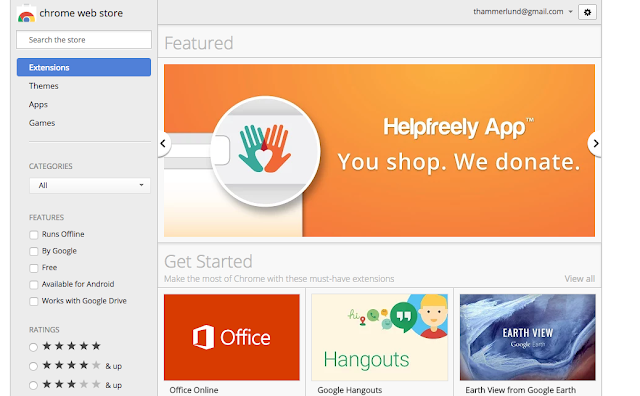
The MYP Design course is really interesting for me. It is my first time teaching an MYP Course, and it is really fun. The course allows schools to adapt it to the resources available.
The flexibility brings about challenges as well; there is no set curriculum.
At KAS, we try as much as possible to give students assignments that allow them authentic experiences. When they learn about gathering statistics, students are asked to use multiple types of data collection. When they create a poster or a t-shirt for a club, I want them to actually print it. And when they code, I want them to make something they will actually use.
This brings be to last year.
We were coding, and I thought it might be good for students to apply the design cycle to a Chrome Extension. In the event someone had chosen that topic, I wanted to be able to help them if they got into trouble. So I started looking into how to make one myself.
However, this year, more students are interested in learning about coding and there is a student who wanted to take on the challenge I set for him.
I learned that the URL
docs.google.com/create will make a Google Doc. I wanted to have a button to do this, instead of typing it in every time.
One way to do this is to make a Bookmark. And I tried that. But the bookmark didn't have a favicon (image) and it looked a little dull. It was functional, but I wanted to have an image and I wanted to make a Chrome Extension.
So I did.
(Extension Links updated 2021)
I wish I could say that I understood the whole structure and was able to write it myself, but I wasn't. I was able to, however, understand enough to piece together snippets of code I found and realize what from the tutorial I did not need.
Maybe this is how coding should be taught. Maybe after having lessons in the basics, students should be given opportunities to take existing code and modify it how they see fit.
It was exciting to see my app published where anyone can find it (after I get a few reviews, it might be listed higher). I think most of all, it was a good feeling to complete it after so many failures.